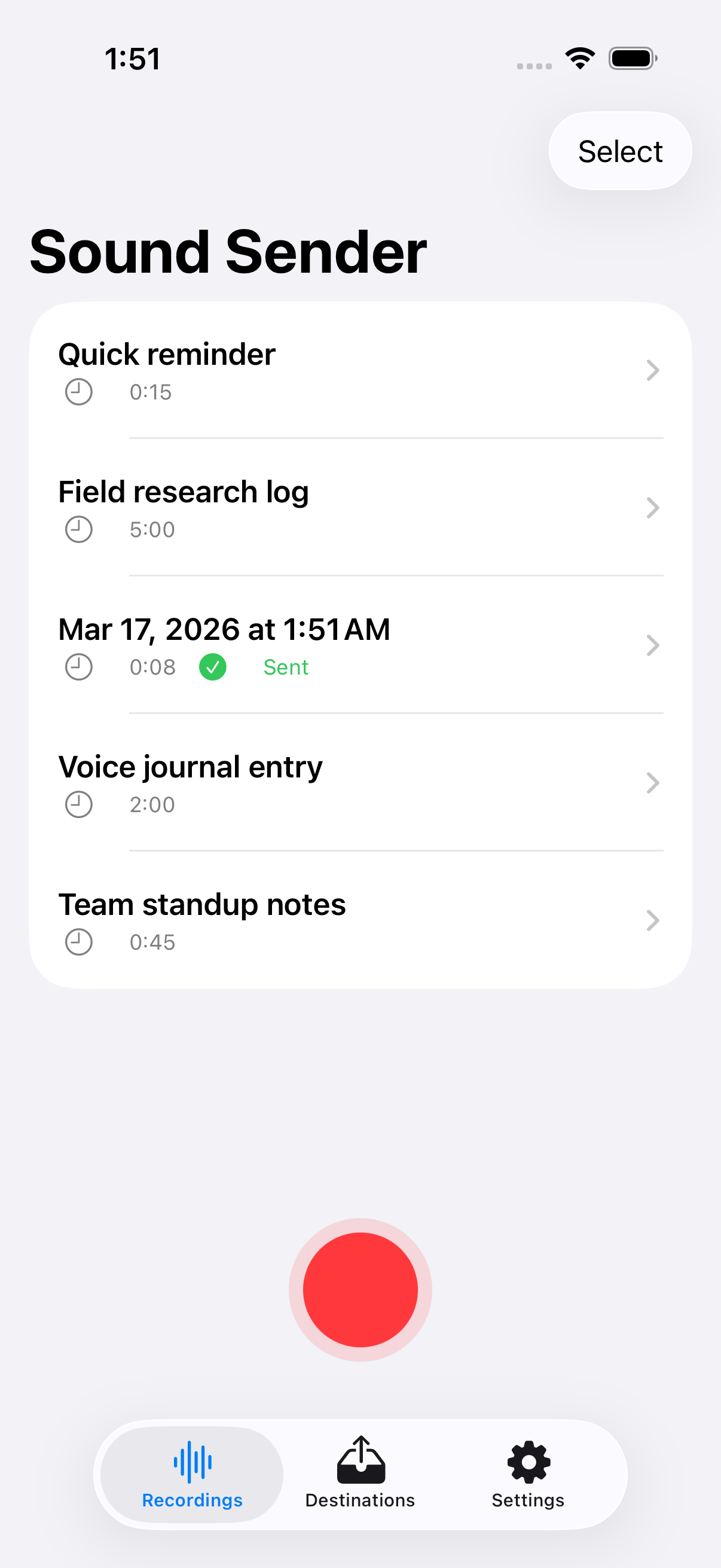
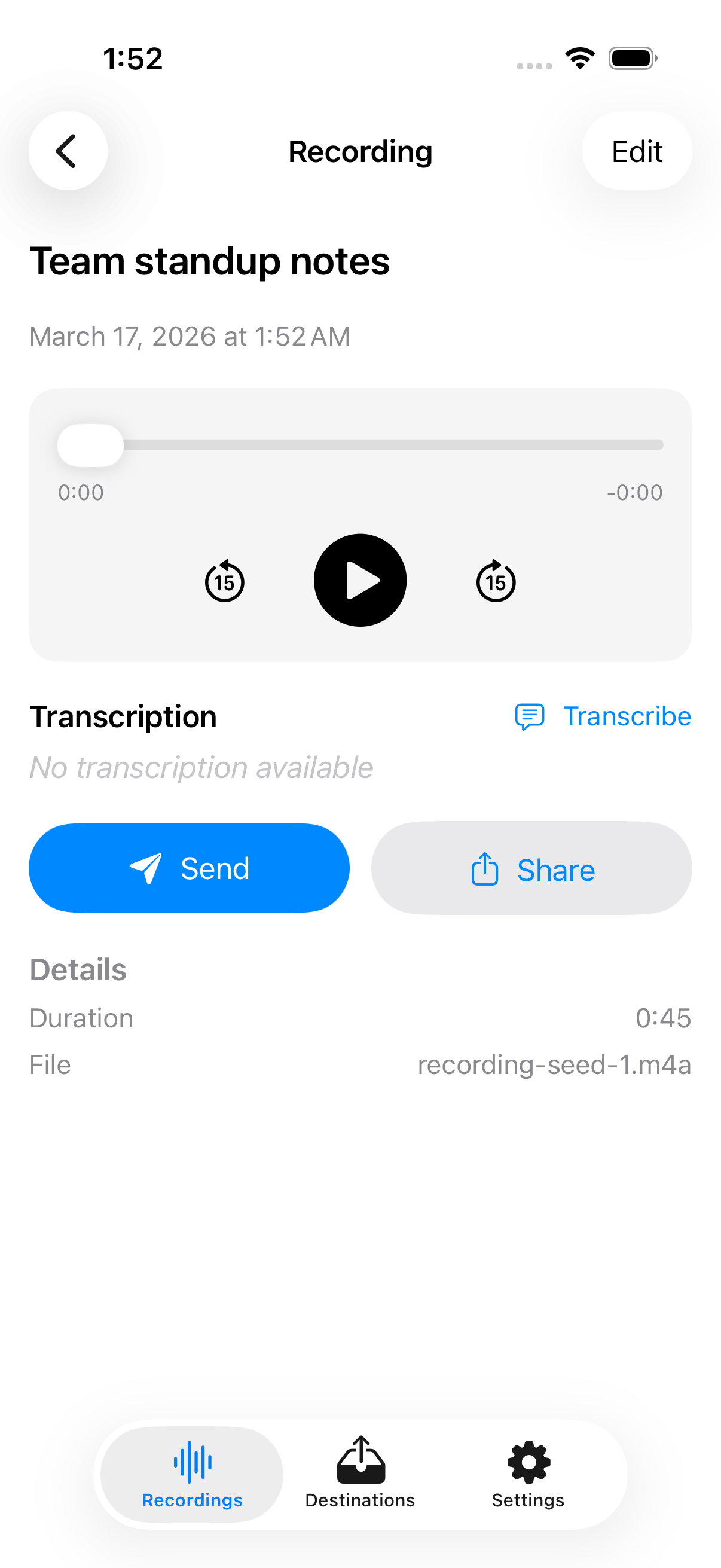
One-tap voice recording for iPhone and Apple Watch. Send recordings to webhooks, email, iMessage, or any share destination. No accounts. No cloud. Your voice, your data.
Coming Soon
Start recording with a single tap on iPhone or Apple Watch. No menus, no configuration required.
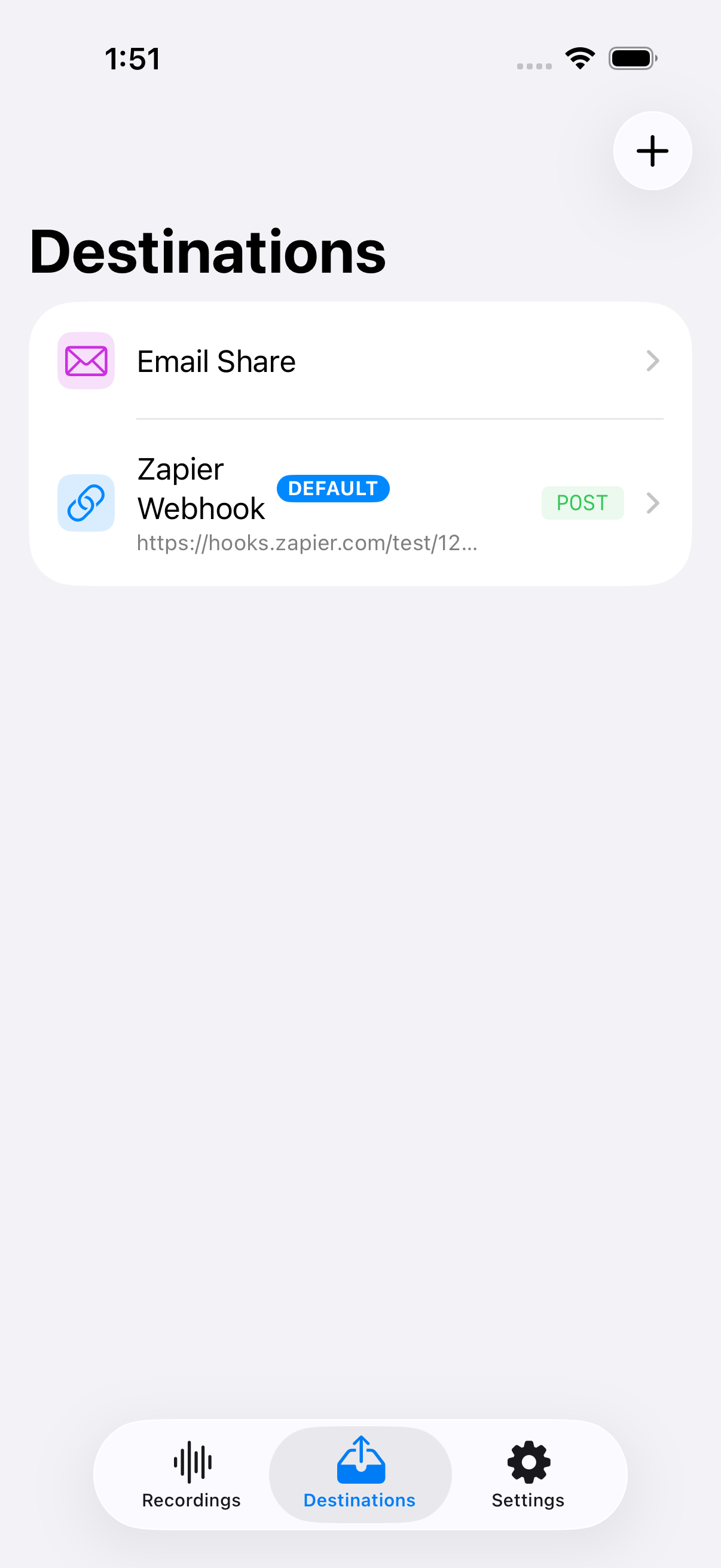
Send recordings to Zapier, Make, n8n, or any webhook endpoint. Multipart audio with metadata.
Record from your wrist. Tap the complication, speak, stop. Audio transfers to iPhone and sends automatically.
No accounts, no cloud sync, no tracking. Recordings stay on your device until you choose to send them.
Optional on-device speech-to-text using Apple's Speech framework. Transcriptions are included as metadata.
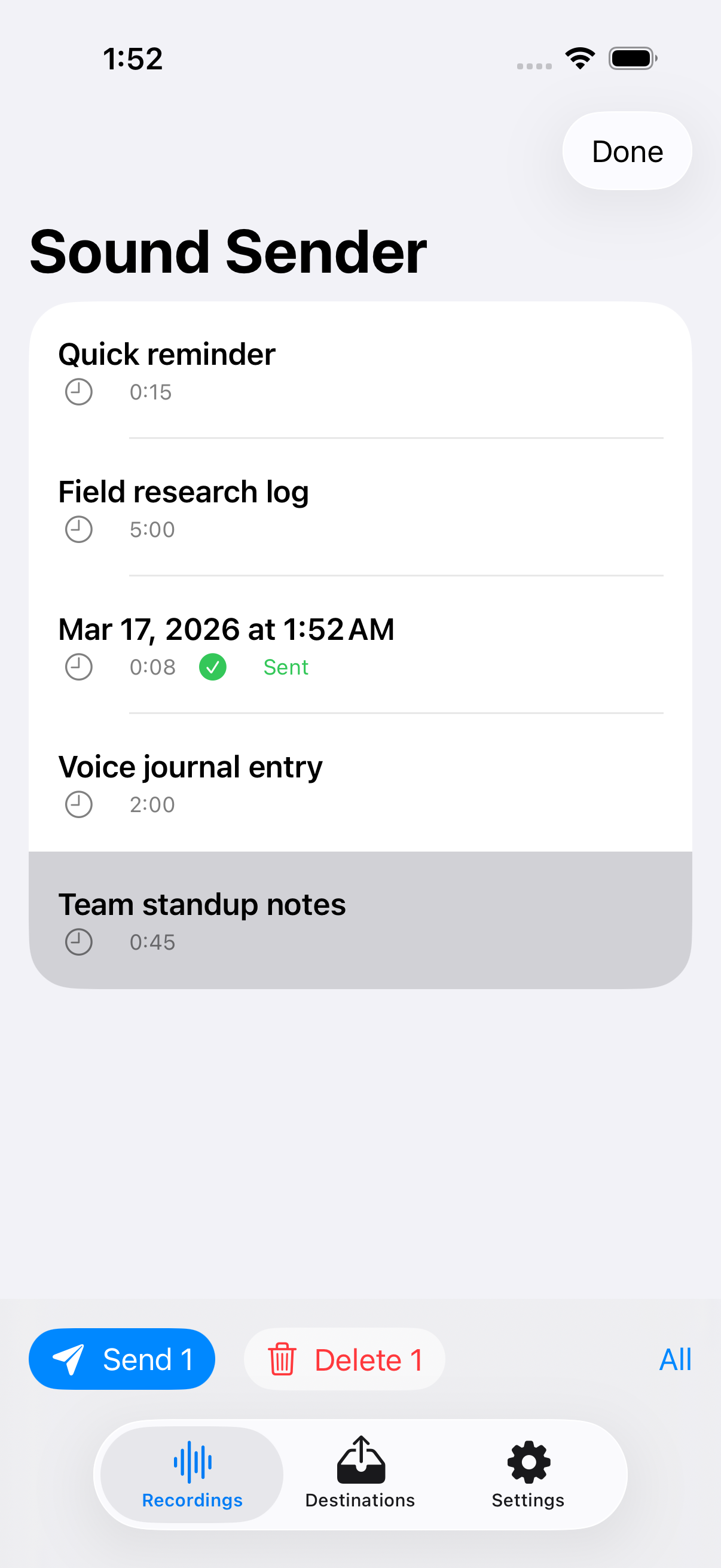
Select multiple recordings and send them all at once. Progress overlay shows per-item status.
Last updated: March 21, 2026
Sound Sender does not collect, transmit, or store any personal data on external servers. The app operates entirely on your device.
All audio recordings are stored locally on your iPhone. Recordings are only transmitted when you explicitly choose to send them to a destination you have configured (e.g., a webhook URL, email, or share sheet recipient).
Speech-to-text transcription is performed on-device using Apple's Speech framework. No audio data is sent to third-party transcription services.
When you send a recording to a webhook, the audio file and optional metadata (title, duration, timestamp, transcription) are transmitted to the URL you configured. Sound Sender does not control or monitor the receiving service. Review the privacy policy of any webhook destination you configure.
Sound Sender does not include any analytics SDKs, crash reporters, or tracking pixels. No usage data leaves your device.
Recordings made on Apple Watch are transferred to your paired iPhone via Apple's WatchConnectivity framework (a direct device-to-device connection). No intermediary servers are involved.
Sound Sender does not knowingly collect information from children under 13.
If this policy changes, the updated version will be posted at this URL with a new "Last updated" date.
Sound Sender is built by Sammons Software LLC.
For support, bug reports, or feature requests, email ben@sammons.io.
Source and issue tracking: git.sammons.io/sammons/sound-sender